 GOTTA.BIKE: BLE Watts
Your phone, as a power meter.
BLE Watts makes your phone act like a standard Bluetooth cycling sensor. Cycling apps, bike computers and BLE tools pair with it like real hardware and receive the power, cadence, heart rate and speed you choose. Test your setup without pedalling a single stroke.
Built for testing, not for faking rides
For developers, testers and enthusiasts who want repeatable input for head units, cycling apps and indoor-training setups. Every value it sends is simulated: the app does not measure you.
Cycling Power
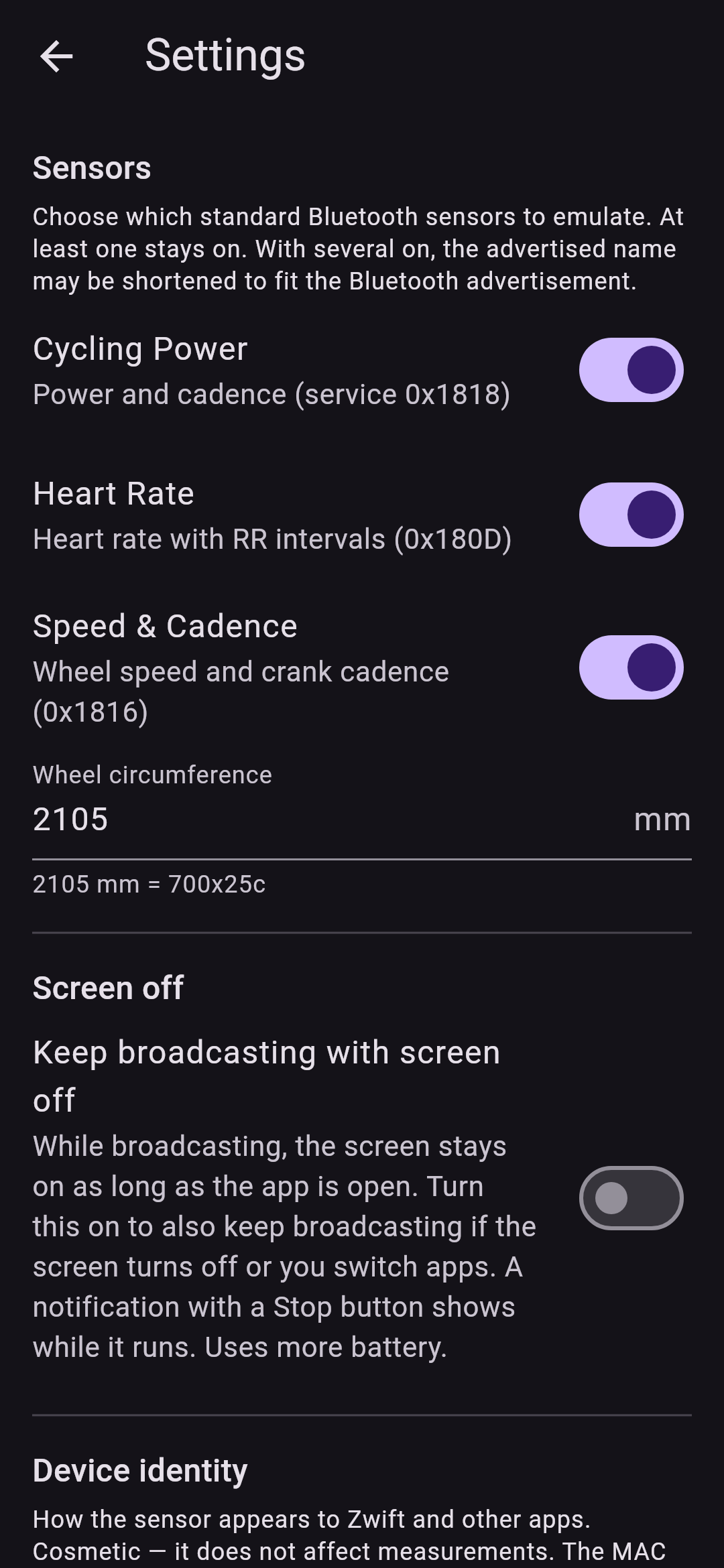
Instantaneous power plus honest crank revolution data, so receivers work out cadence exactly as they do with a crank-based power meter.
Heart Rate
Heart rate with RR intervals. Switch it on in Settings alongside, or instead of, the power sensor.
Speed & Cadence
Wheel speed from a speed and wheel size you set, plus crank cadence that matches the power sensor tick for tick.
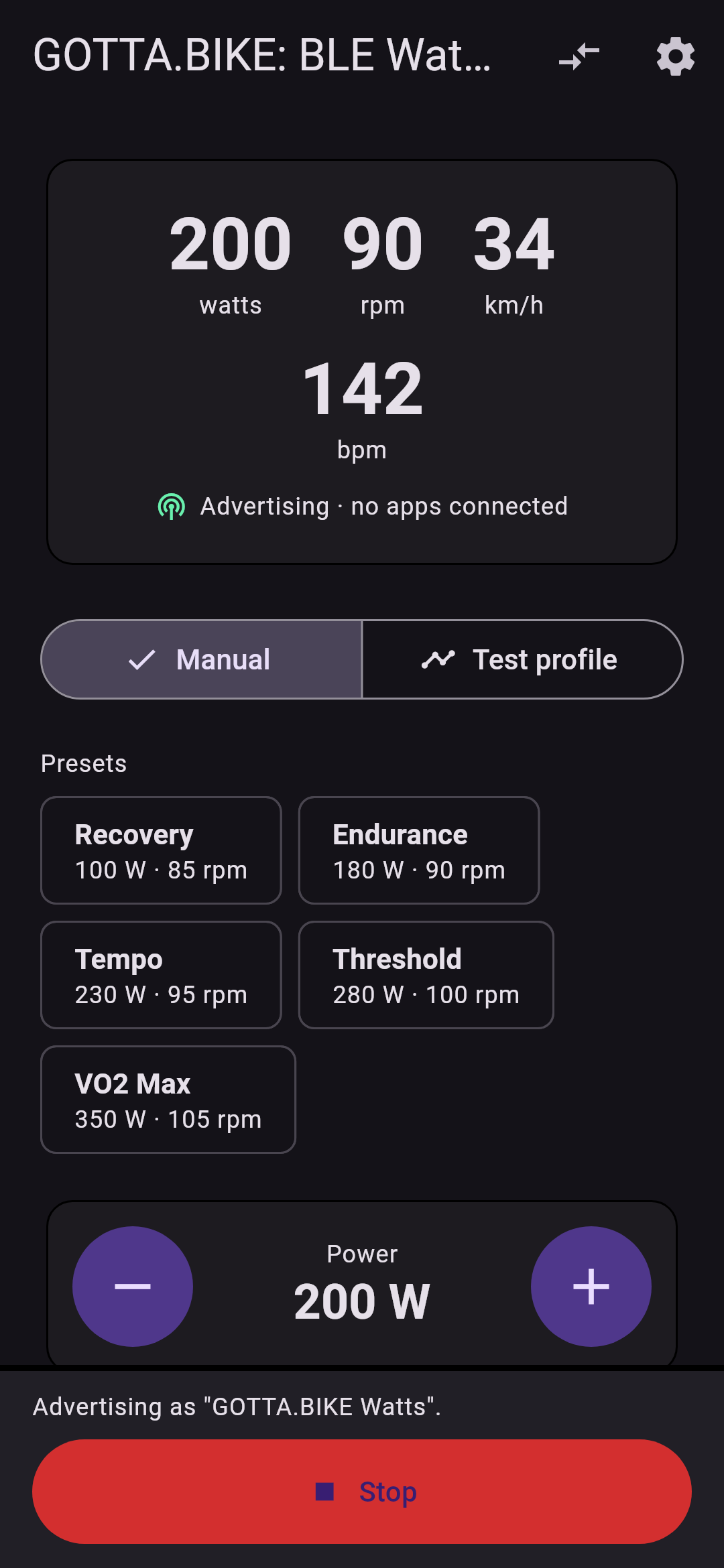
Manual mode
Big plus and minus steppers for power (0 to 800 W), cadence, speed and heart rate, with up to five one-tap presets.
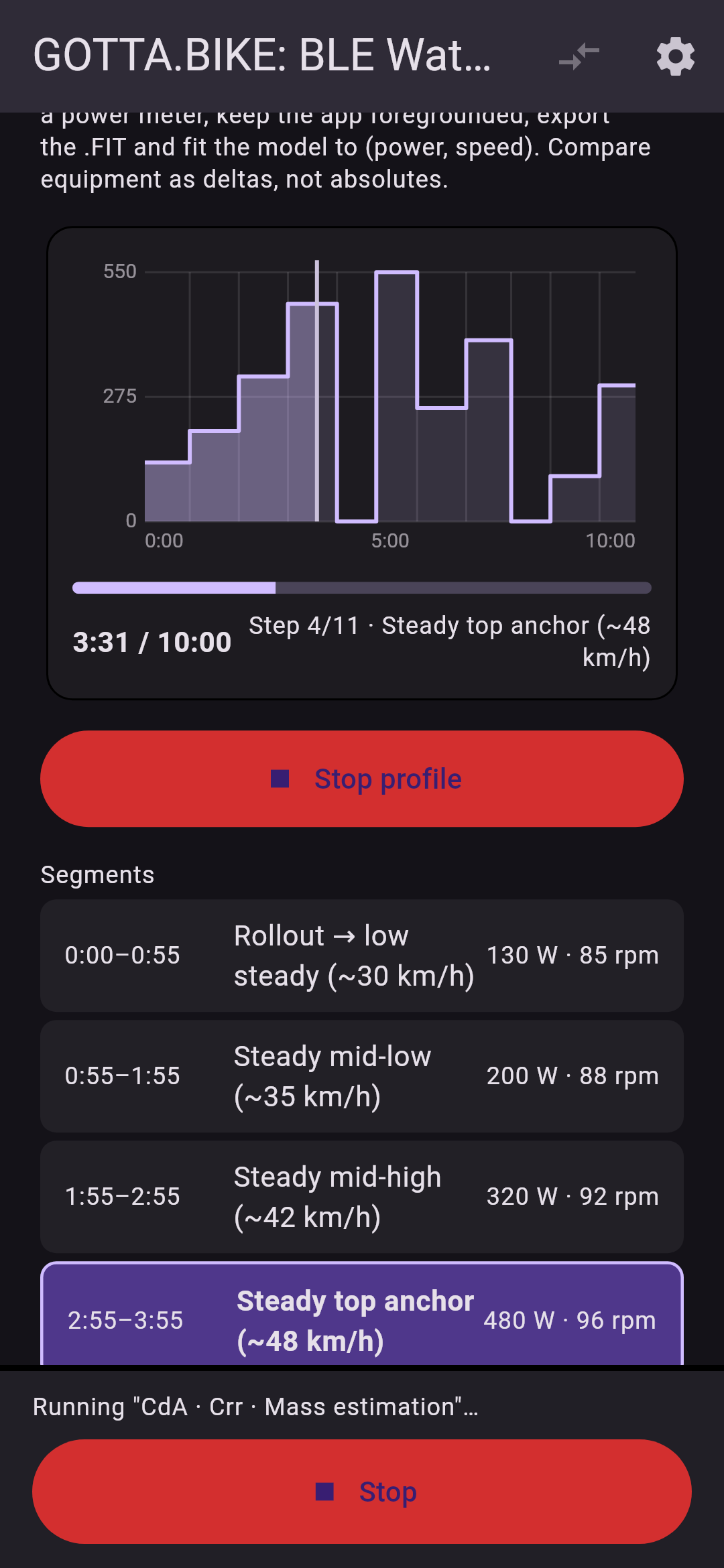
Test profiles
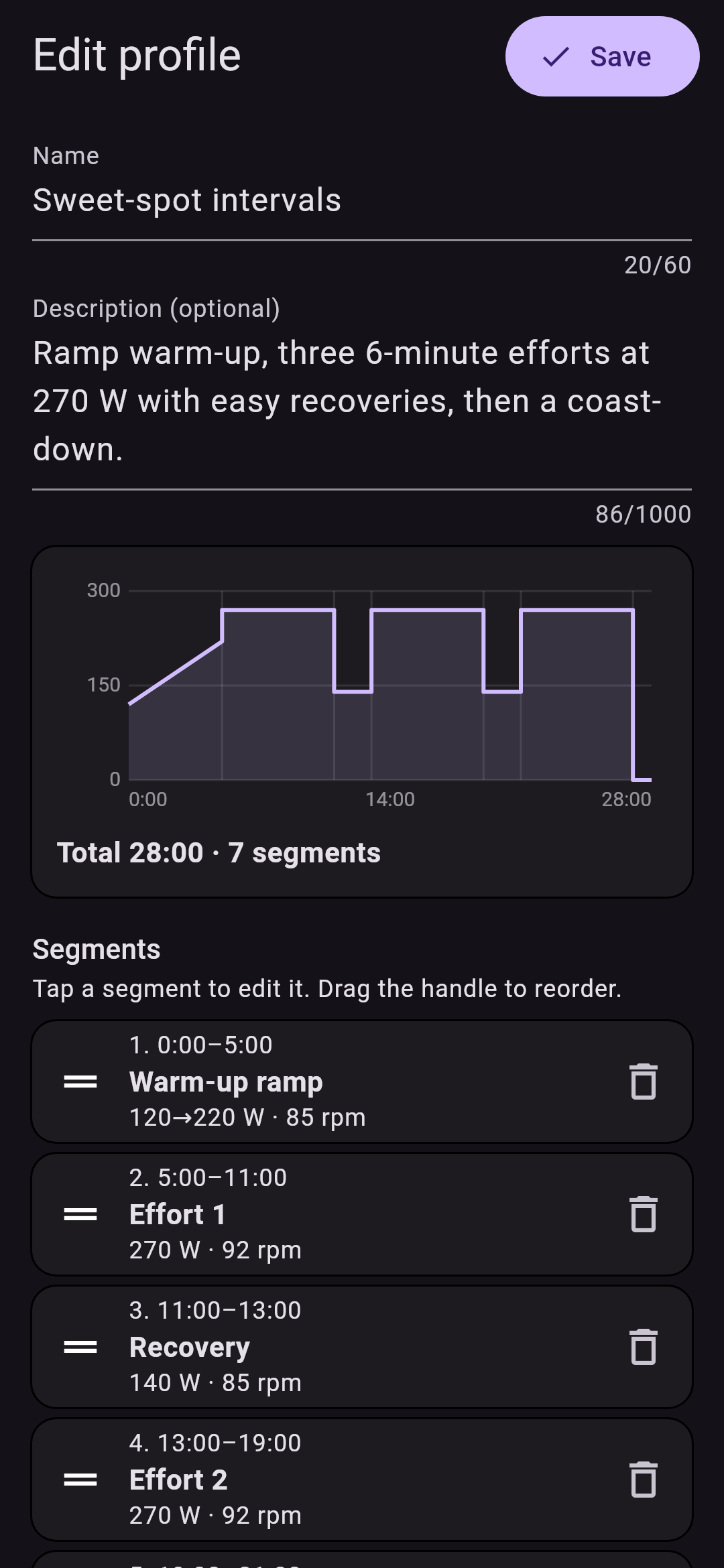
Play scripted power profiles with steps, ramps and coasts, identical on every run, with a live chart and playhead. Build your own in the editor.
Replay a ride
Import a CSV with time and power (and cadence if you have it), up to six hours, and play it back second by second.
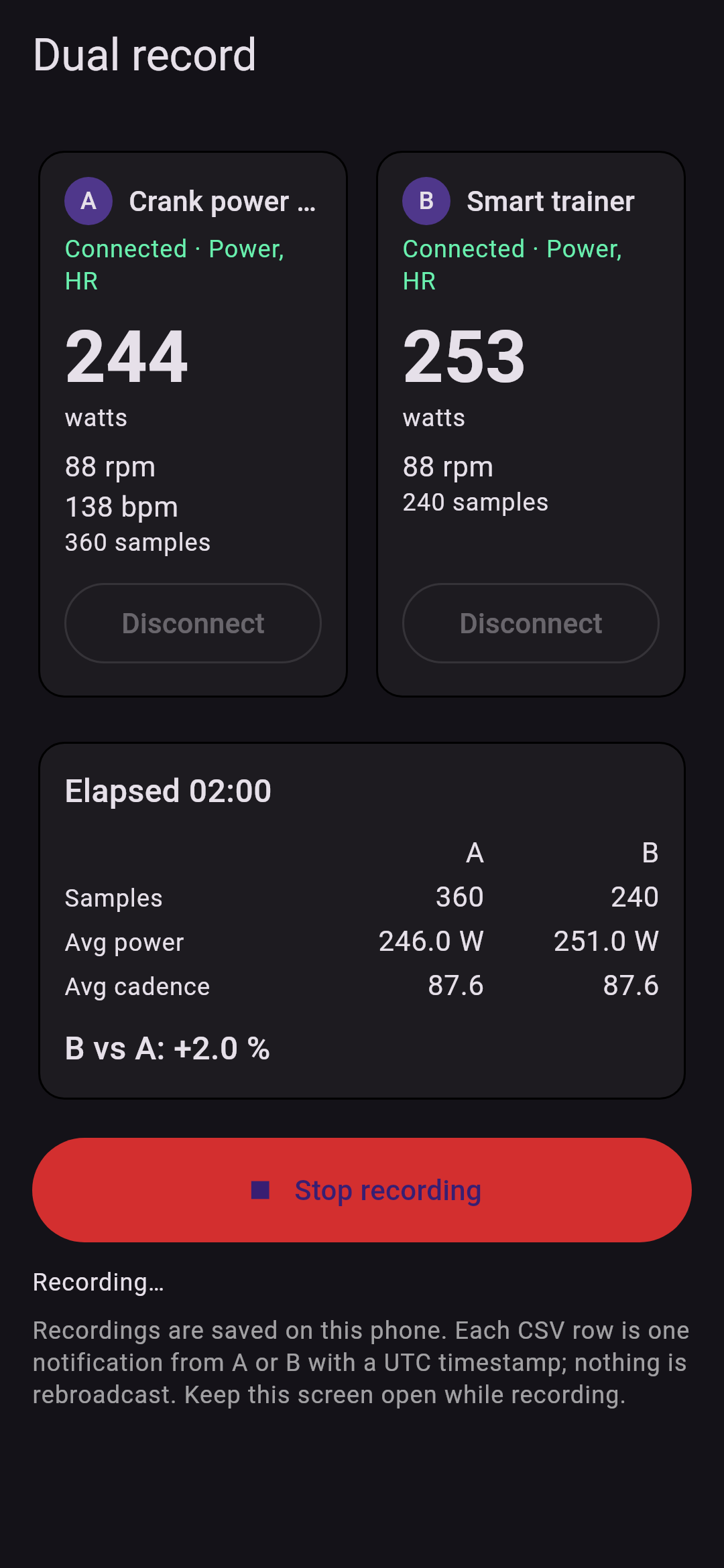
Dual record
Connect to two real sensors at once, such as two power meters or a power meter and a smart trainer, see them side by side and record both to a CSV you can share.
CdA, Crr and mass profiles
Built-in profiles designed to help estimate the drag, rolling resistance and effective mass a virtual-riding app gives an equipment setup.
Your sensor's identity
Choose the advertised name, manufacturer and model. See how many apps are connected, and start or stop with one button.
Screenshots
The same app on every platform: a dark, glanceable screen you can read from the saddle or the workbench.
Download
Free, with no account, no ads and no tracking.
iPhone & iPad
From the App Store. Requires iOS or iPadOS 27 or later and Bluetooth LE.
App Store Coming soonAndroid
From Google Play. Phones and tablets with Bluetooth LE advertising (peripheral mode).
Google Play Coming soonMac
A direct download for Apple silicon Macs running macOS 27 or later, notarized by Apple.
Download for Mac (.dmg) Coming soonWindows
A direct download for Windows 10 and 11 from our GitHub releases.
Download for Windows Coming soonEach GitHub release lists SHA-256 checksums for its files. Your device's Bluetooth hardware must support advertising (peripheral mode) to broadcast; the app tells you if it doesn't. Features can differ by platform.
Works with standard BLE receivers
BLE Watts follows the standard Bluetooth LE sensor profiles, so it is meant for any app or bike computer that accepts standard BLE sensors. Cycling Power output has been tested with popular cycling apps and BLE debugging tools. Whether it works depends on the receiving app or device.
Responsible use. This app creates simulated sensor data for testing. Don't use it to record, upload or submit rides, races, results or leaderboard efforts as if they were real, and follow the rules of every platform you connect it to. See the Terms of Use.
Privacy, in one line
We don't collect anything. No accounts, no ads, no analytics. Your presets, profiles and recordings stay on your device. Read the privacy policy.